
Cron jobs run commands on a schedule: nightly imports, cache warmups, custom scripts, WordPress background tasks.
- In cPanel, open Cron Jobs.
- Pick a schedule from the Common Settings dropdown (once per day, once per hour, and so on) rather than hand-writing the timing fields.
- Enter the command to run and click Add.
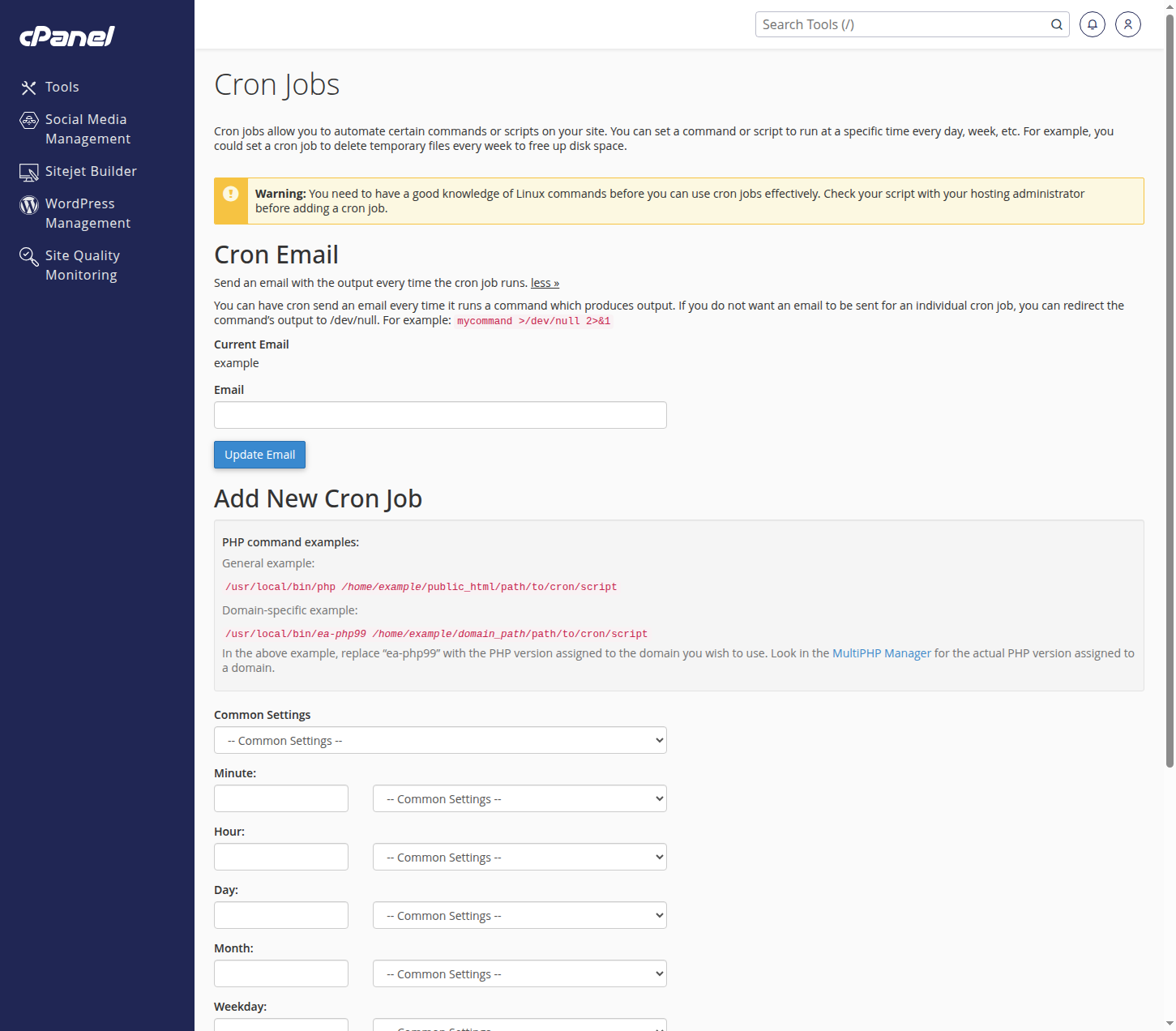
Enter an email address at the top of the page and cron will send you the output of each run, which is the easiest way to confirm a job works.
Not sure of the right command or schedule? Tell us what you want to happen and when, and we will set the job up for you.