
Every hosting plan includes email at your own domain.
- Click the Email shortcut on your website's row (or open cPanel and choose Email Accounts).
- Click Create, choose the address and a strong password, and set a mailbox size.
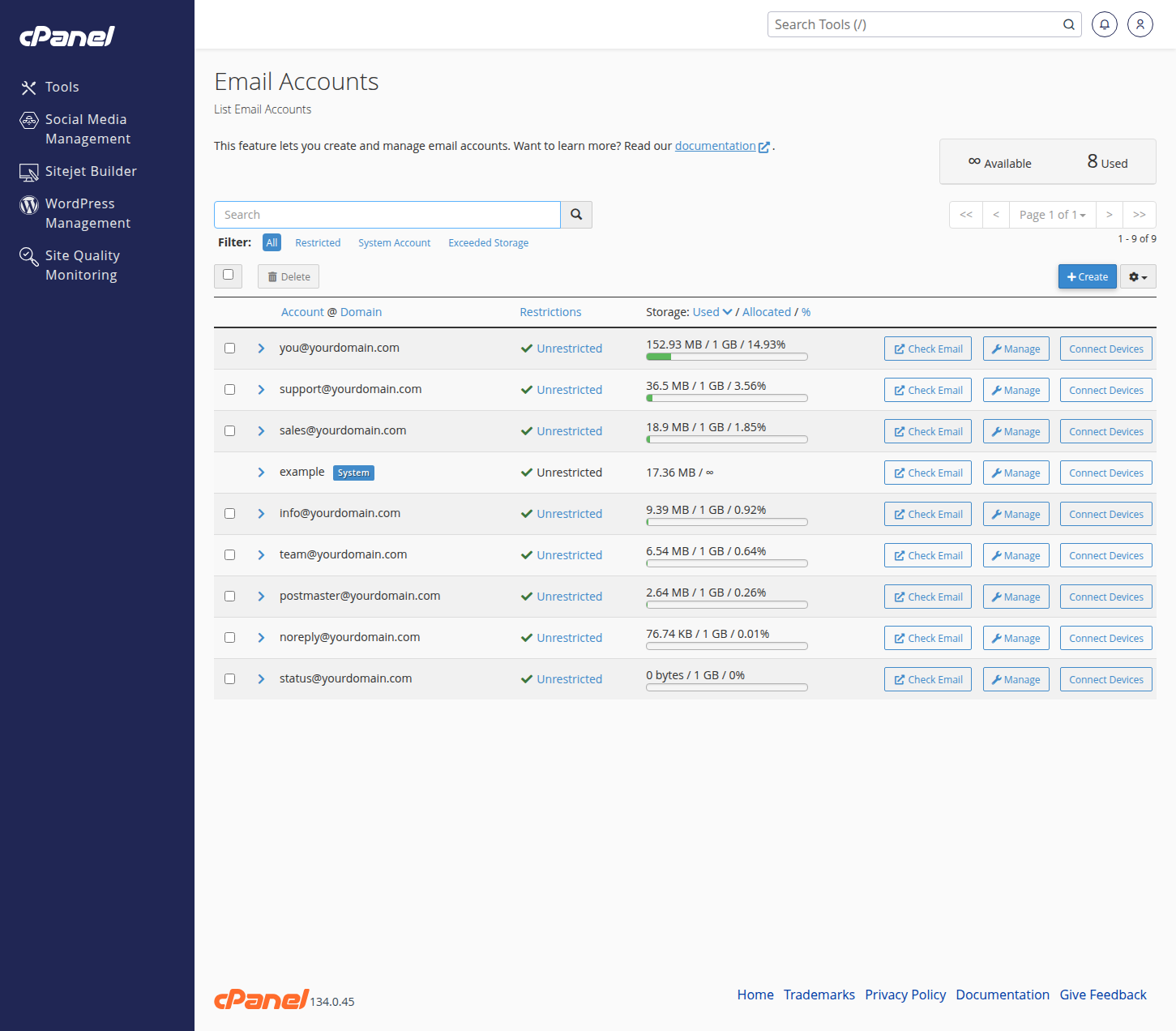
Read your mail through Webmail (the Check Email button) or add the account to your phone or computer: cPanel's Connect Devices page shows the exact server settings, and can email them to you.
From the same page you can change passwords, adjust mailbox sizes, and remove old accounts. Delivery problems or setup trouble? Open a ticket and we will sort it out.