
Two ways to work with your website's files:
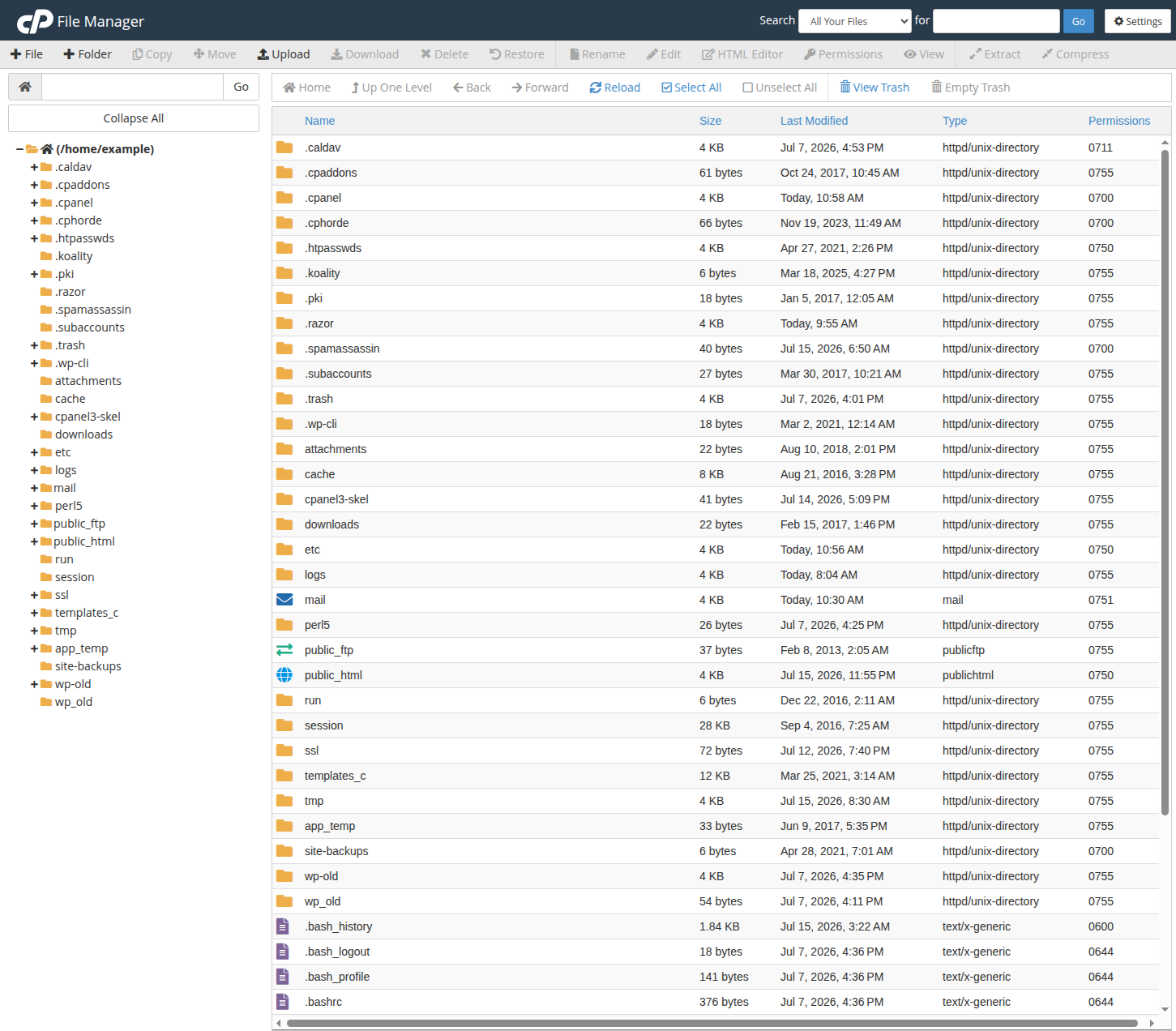
File Manager is the fastest for quick edits. Click the File Manager shortcut on your website's row and you are in, no passwords needed. You can upload, download, edit, and extract files directly in the browser. Your website lives in the public_html folder.
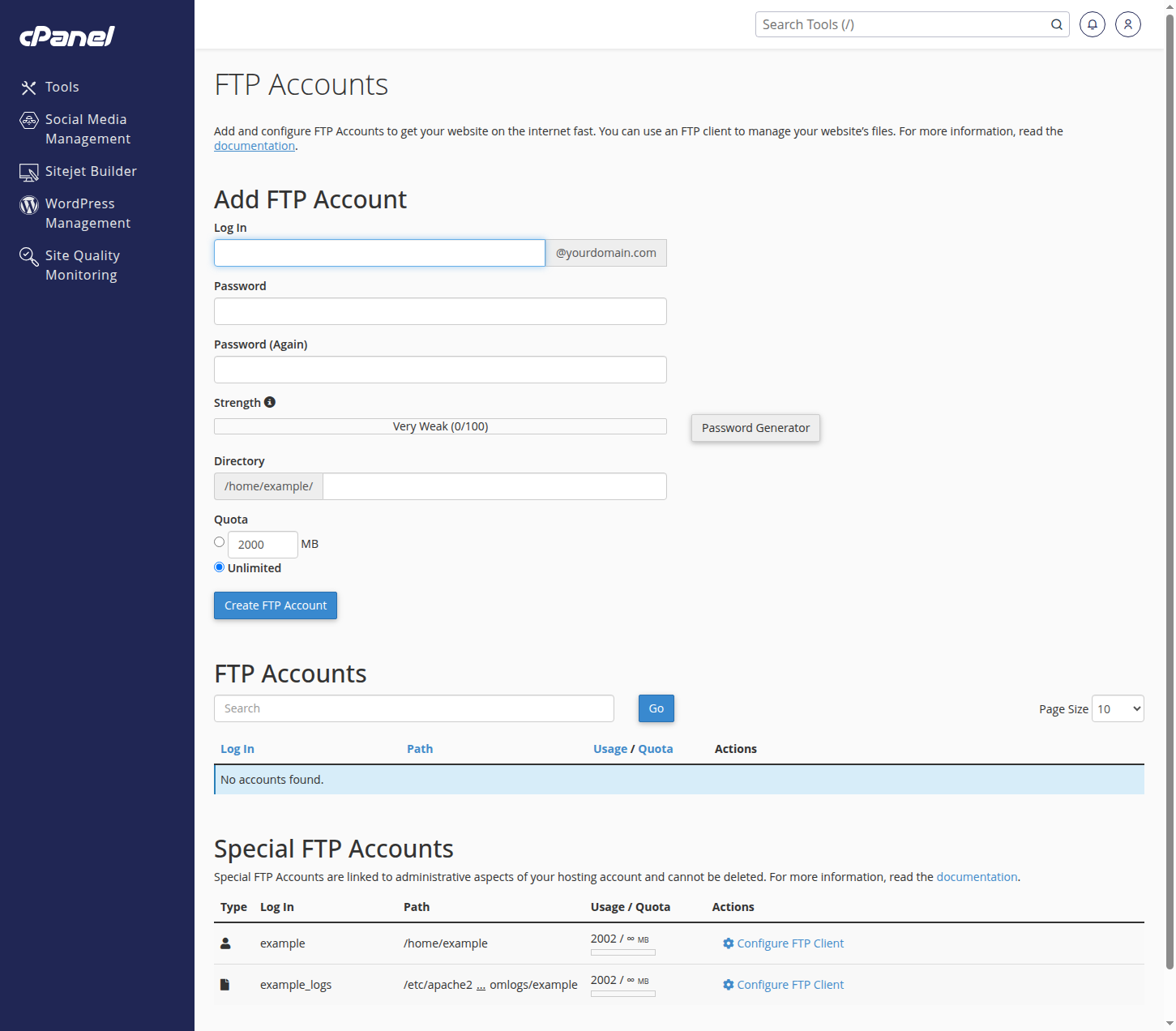
FTP suits developers moving many files or working from an editor. In cPanel, open FTP Accounts to create a login, then connect with a client like FileZilla using the hostname, username, and password shown there.
A good habit before editing anything important: download a copy of the file first. And if you would rather we make the change, that is what we are here for. Open a ticket.