
Your websites are backed up automatically as part of your managed plan, and you can access those backups yourself at any time. No ticket needed.
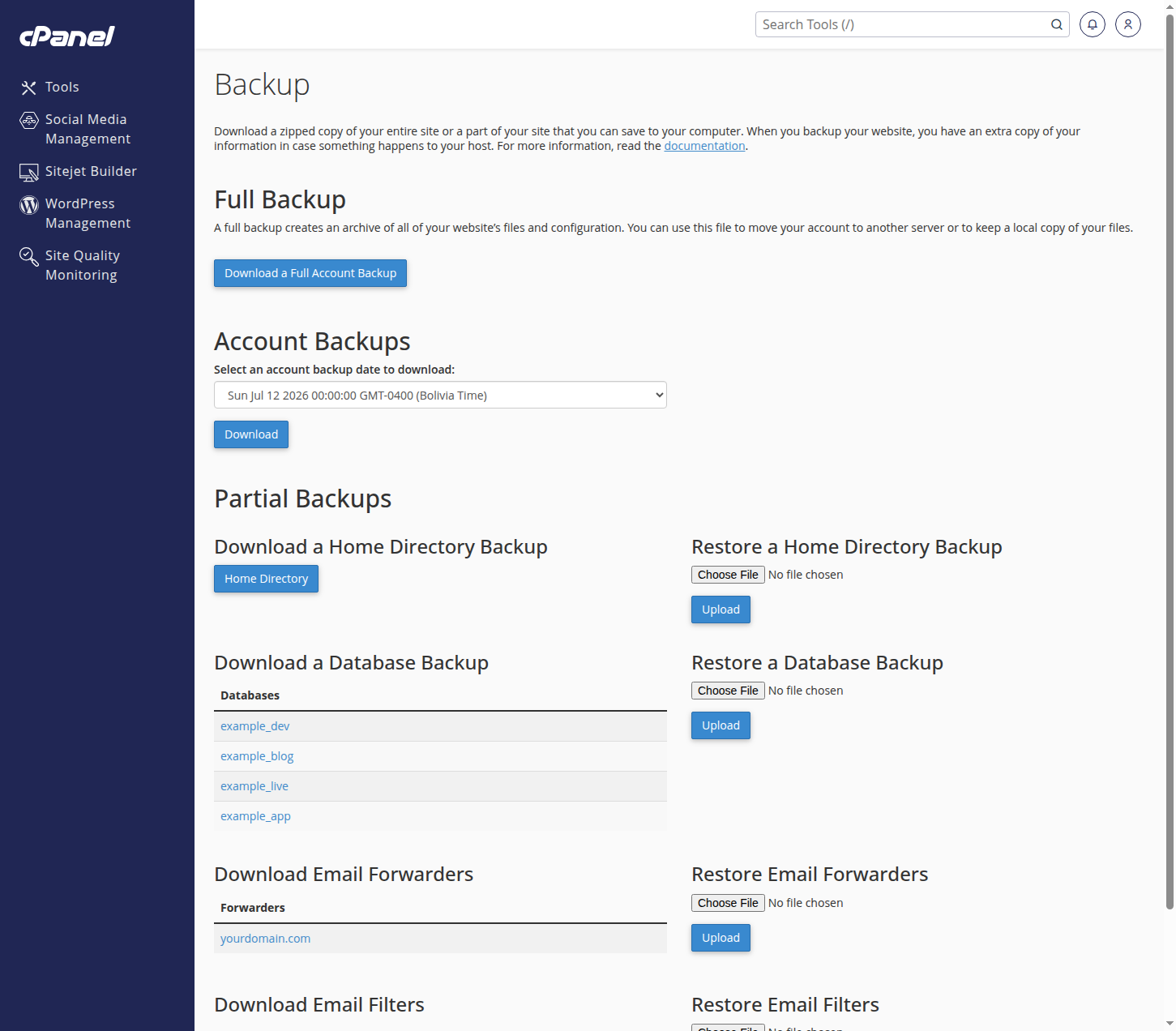
- From your dashboard, open the website's row and click the Backup shortcut. It signs you straight into your backup tool.
- To keep your own copy, download a full or partial backup to your computer.
- To roll back, restore your files, databases, or email from an available restore point.
Restoring overwrites current content with the older copy, so if you are unsure which restore point you need, open a ticket with Backups & Snapshots first and we will identify the right one with you.