
Most modern websites (WordPress included) store their content in a MySQL database. You have full access to yours.
phpMyAdmin, reached via the shortcut on your website's row or inside cPanel, lets you browse tables, run queries, and export your database. Exporting a copy before any manual change is strongly recommended.
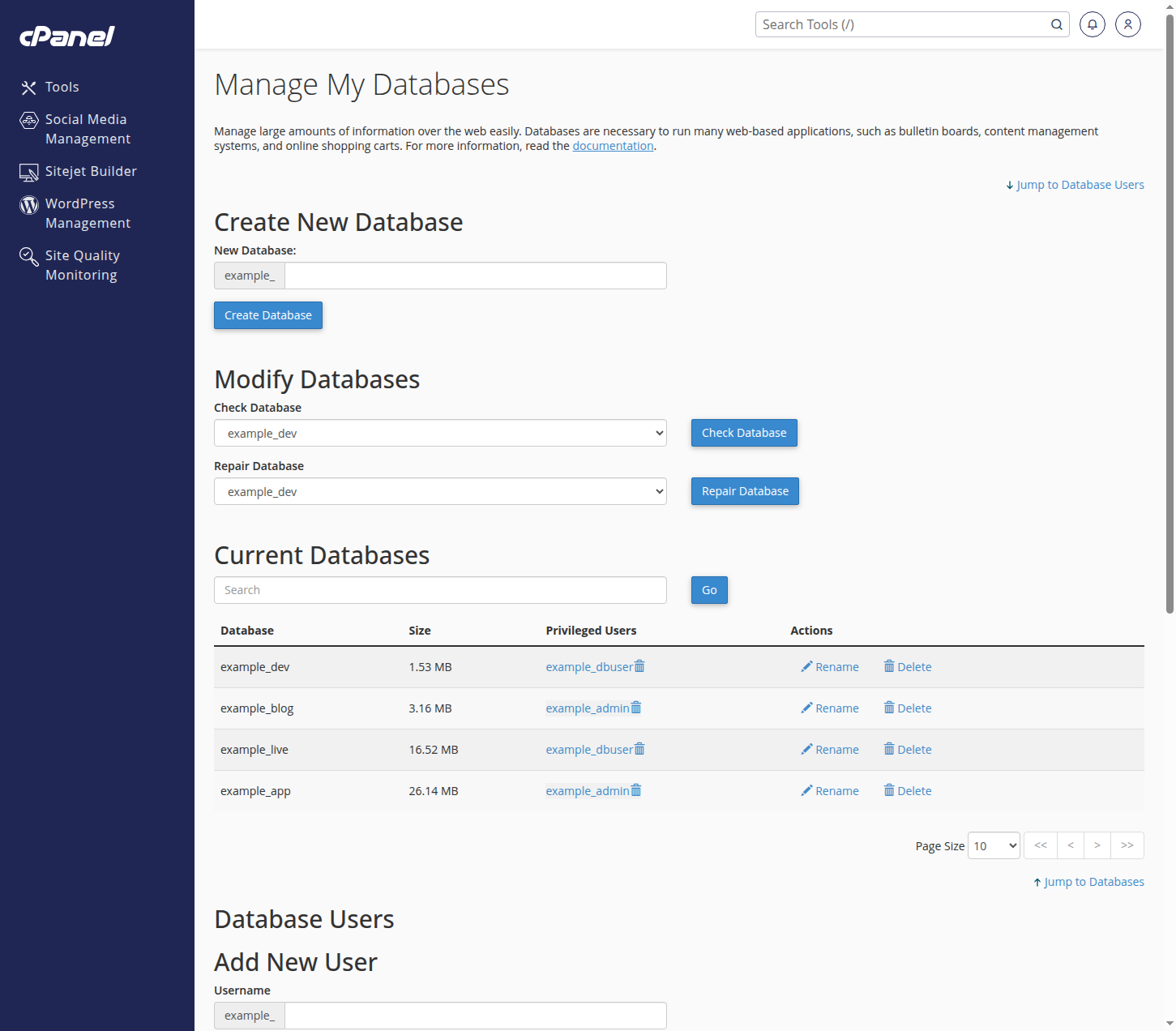
MySQL Databases in cPanel is where you create new databases and database users, and assign users to databases. Your site's configuration file (for WordPress, wp-config.php) must match those credentials.
Editing a live database directly can break your site instantly, so if you are not certain, tell us what you are trying to achieve and we will do it safely for you.