All of your billing lives in the client portal — every invoice, payment, and receipt in one place.
Finding your invoices
- Log in to the client portal.
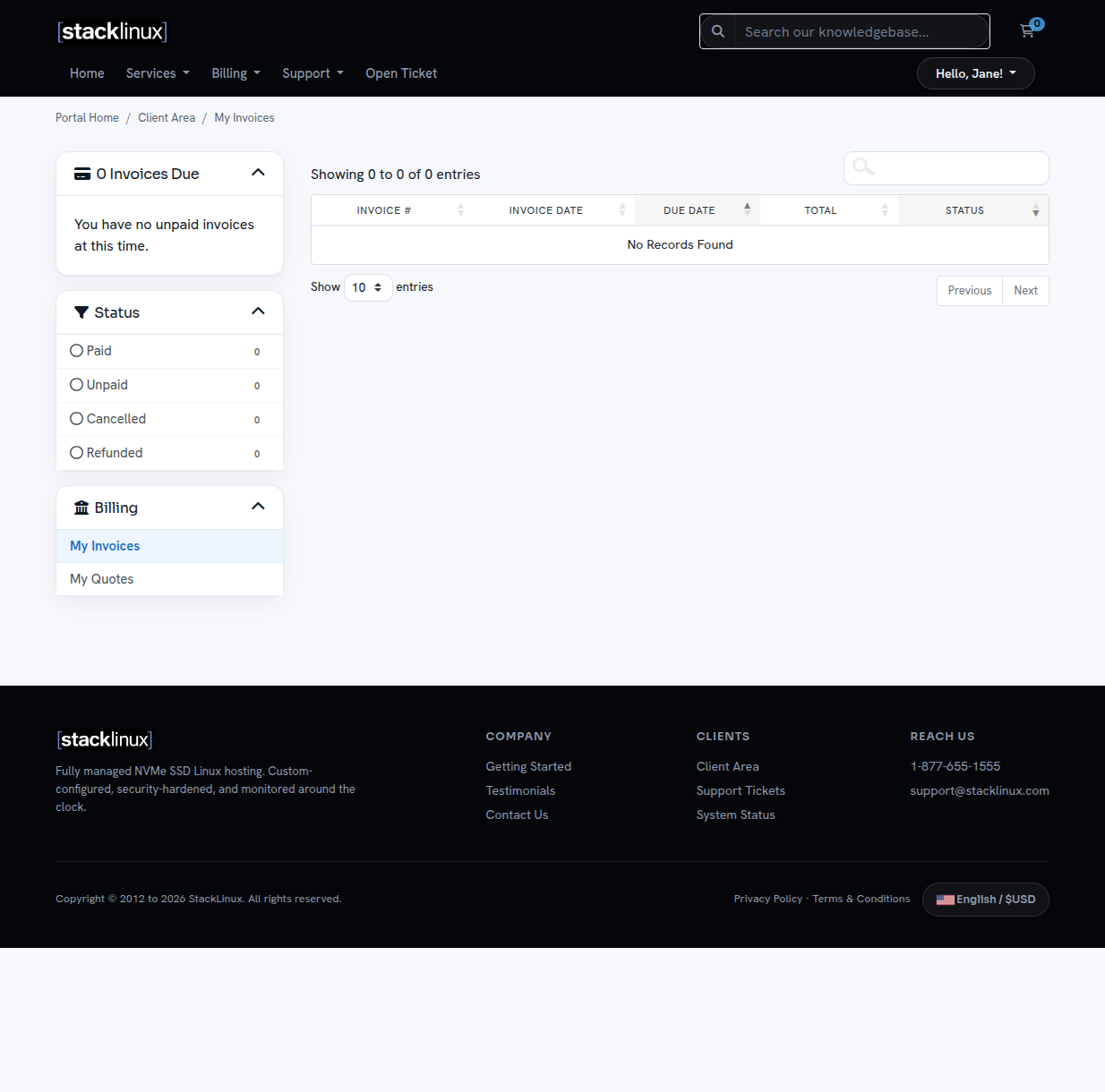
- Click Billing → My Invoices (or the Invoices counter on your dashboard).
- Each invoice shows its date, due date, total, and status (Paid or Unpaid).
Paying an invoice
- Click the invoice to open it.
- Click the payment button and complete payment with PayPal — you can pay with your PayPal account or a credit/debit card (no PayPal account required).
- Your invoice is marked paid automatically and a receipt is emailed to you.
Multiple invoices open? Use Pay All on the invoices screen to settle them in one payment.
When invoices arrive
Invoices are emailed ahead of your renewal date, with a reminder if unpaid. To avoid interruptions, keep your email address current under Account Details.
Receipts and records
Need a receipt for bookkeeping? Open any paid invoice and use your browser's print/save-as-PDF — each invoice includes our full company details.
Billing questions
Anything unclear on an invoice — an amount, a date, a service line? Open a ticket and we will sort it out quickly. If you have a separate billing arrangement with us, your portal may show no invoices — that is normal.