
Every StackLinux service includes cPanel, the industry-standard control panel for day-to-day website management. The portal gives you one-click access, so you never need to remember a separate cPanel password.
Opening cPanel
- Log in to the client portal.
- On your dashboard, find your service under Your Active Products/Services.
- Click Log in to cPanel. A new tab opens, already logged in.
Alternatively: click View Details on your service. The service page includes Quick Shortcuts that take you directly to specific cPanel tools.
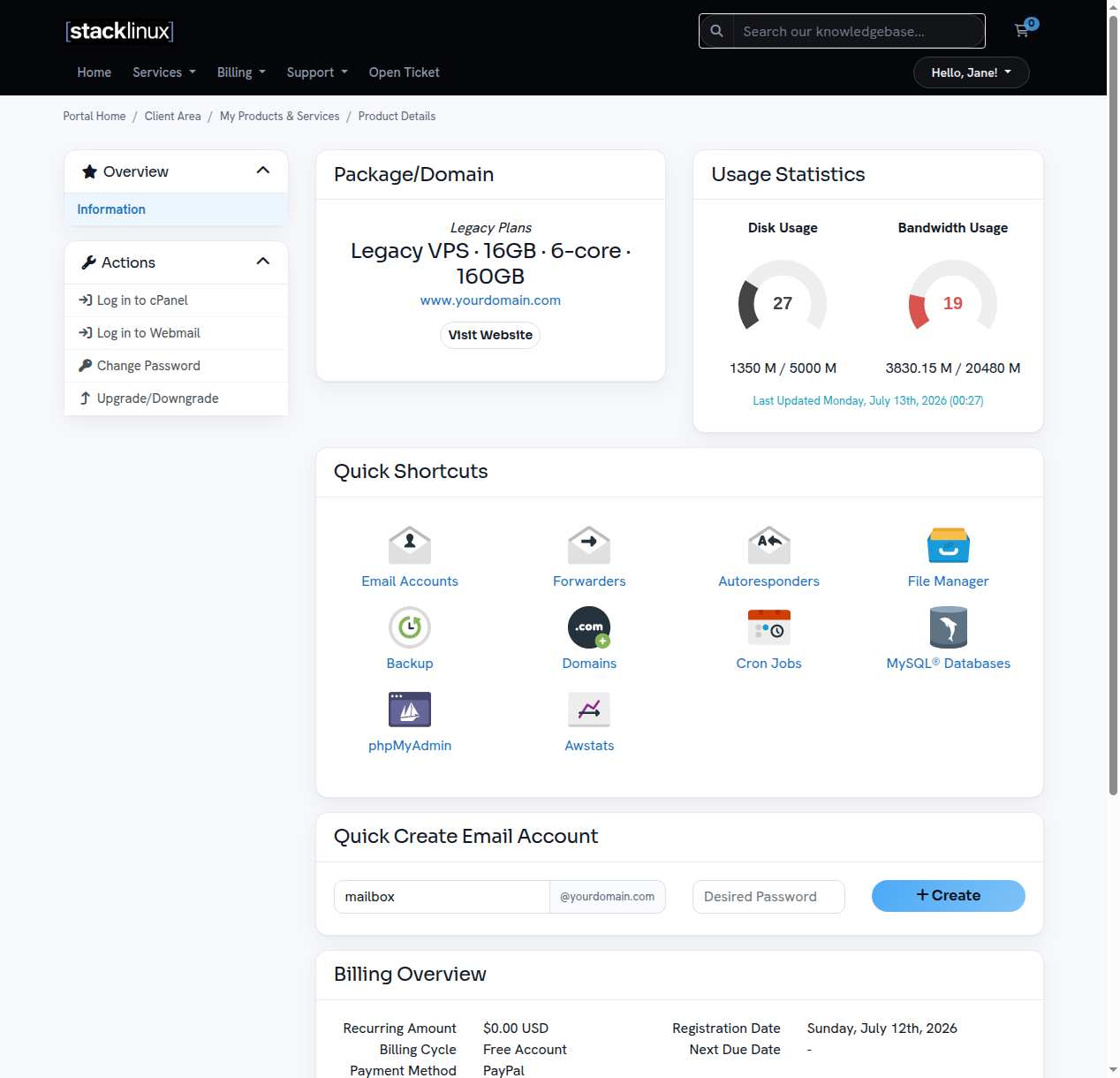
The Quick Shortcuts
From your service page you can jump straight to:
- Email Accounts: create mailboxes, set passwords, manage forwarders and autoresponders.
- File Manager: browse, upload, edit, and download your website files in the browser (no FTP client needed).
- Backup: access your backups (see our backups article).
- Domains: manage addon domains and DNS zone records.
- MySQL® Databases / phpMyAdmin: create and manage databases.
- Cron Jobs: schedule automated tasks.
- Awstats: view your website traffic statistics.
Usage statistics
Your service page also shows live Disk Usage and Bandwidth Usage gauges, refreshed daily, so you always know where you stand.
A note on your server
Your plan runs on your own dedicated VPS, fully managed by StackLinux. We handle updates, security, and monitoring around the clock, so you can focus on your website and business. If you ever need something done at the server level, just open a ticket.