
Your dashboard is the home page you see after logging in to my.stacklinux.com. Here is what each part does.
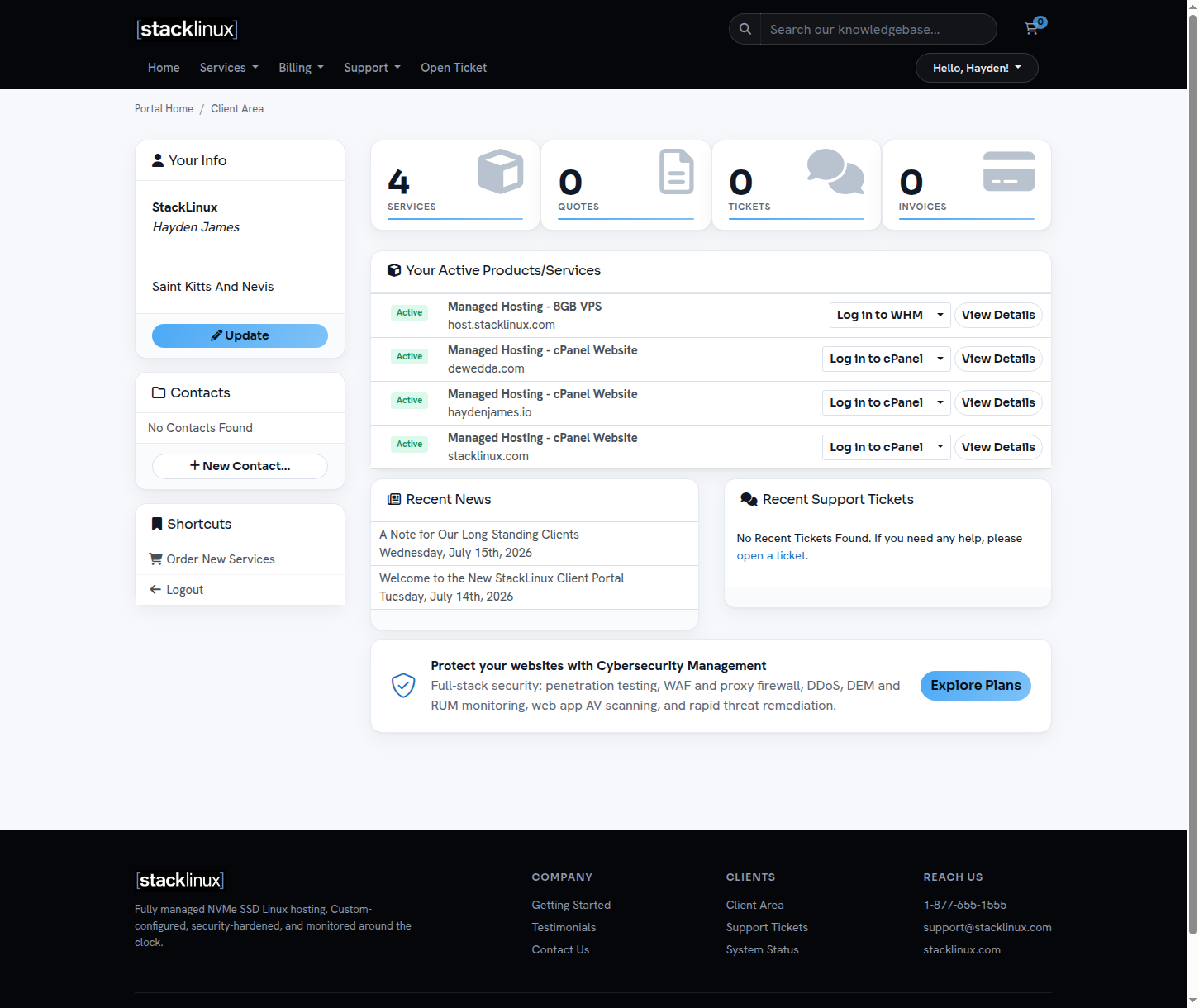
Your Active Products/Services lists everything we host and manage for you. Each website has its own row with a one-click cPanel login, and your server row includes WHM access. Click any row to see its details.
Invoices shows your billing history. If you pay through an existing arrangement with us, invoices here are marked Paid automatically and need no action.
Support Requests shows your open and past tickets. Announcements is where we post service news, and Network Status lists any current or resolved incidents.
If something looks wrong or unfamiliar, open a ticket. We would rather answer a quick question than have you guess.