
You can give colleagues or developers their own login without sharing your password.
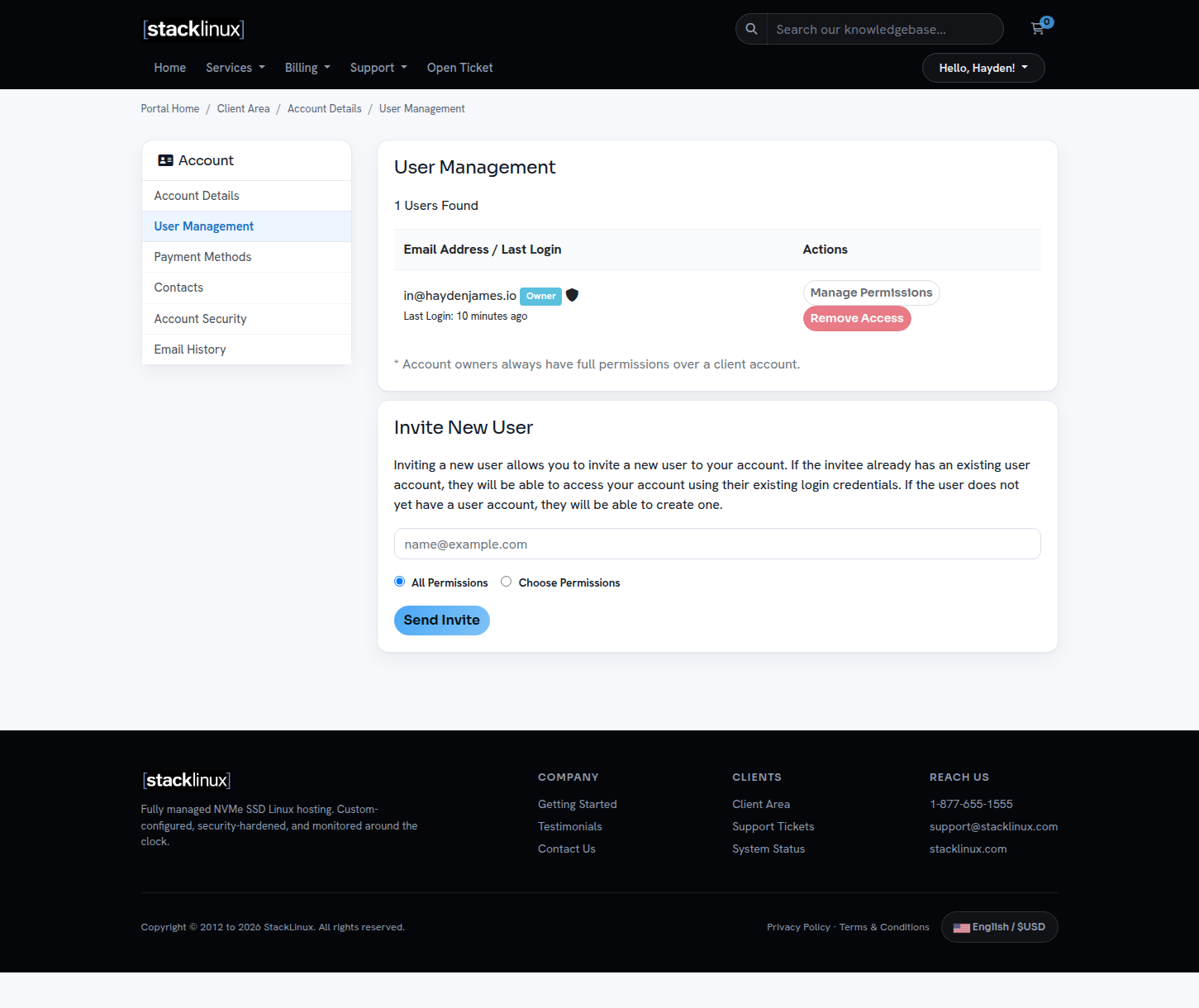
- Click your name in the top-right corner, then User Management.
- Enter the person's email under Invite New User.
- Choose All Permissions or pick exactly what they can see and do (for example, tickets only, or billing only).
- Send the invite. They set their own password from the email.
You can change a user's permissions or remove them at any time from the same page. Each person having their own login also keeps your account history clear: you can see who opened which ticket.